

The dev server builds the site, serves it locally and rebuilds on every change to a note. That is the state you write in.
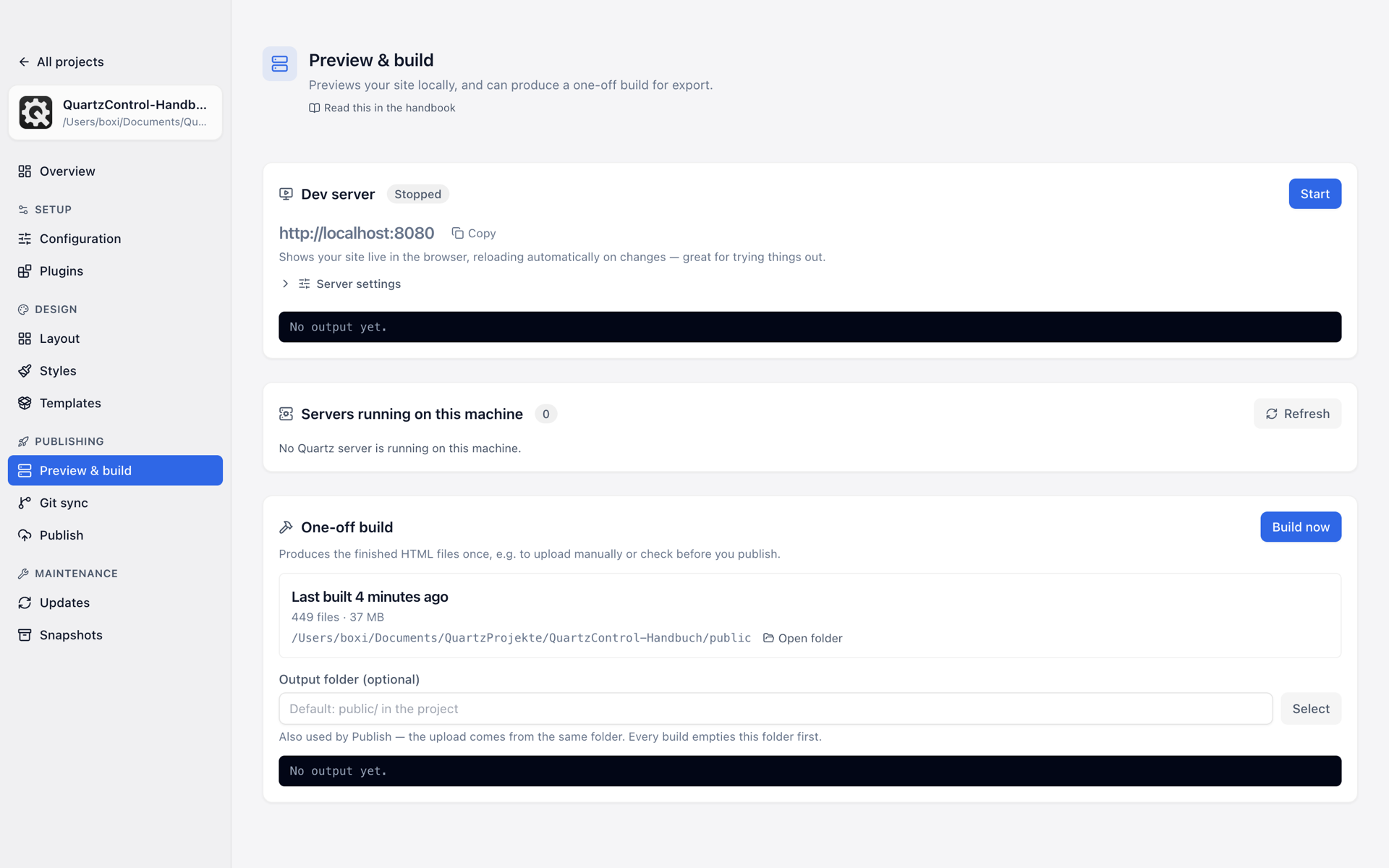
Preview & build: dev server, servers found, one-off build.
Starting
On Preview & build, or straight from the overview. Afterwards it says since when it has been running and on which port.
Under Server settings, which fold open, are two settings that can only be changed while the server is stopped — QuartzControl says so too:
- Port and WS port — the second is the channel the page reloads itself over. If either is taken when the server starts, by another project’s server for instance, it takes the next free one; the console says which. Two exceptions: if a server for this project is already running that QuartzControl did not start — from a terminal, say —, it does not start a second one, because both would build into the same output folder; the card Servers running on this machine shows it and can stop it. And with a remote dev host the server does not move, because a tunnel forwards exactly these ports; if one is taken, it does not start.
- Remote dev host — only needed when the preview should be reachable through a tunnel.
Looking at it
Two ways:
- In the browser, at
http://localhost:<port>. - In the live preview right in QuartzControl, with a width switch: desktop, tablet, mobile, full width. That is the quick way to see whether a frame still works on a smartphone.
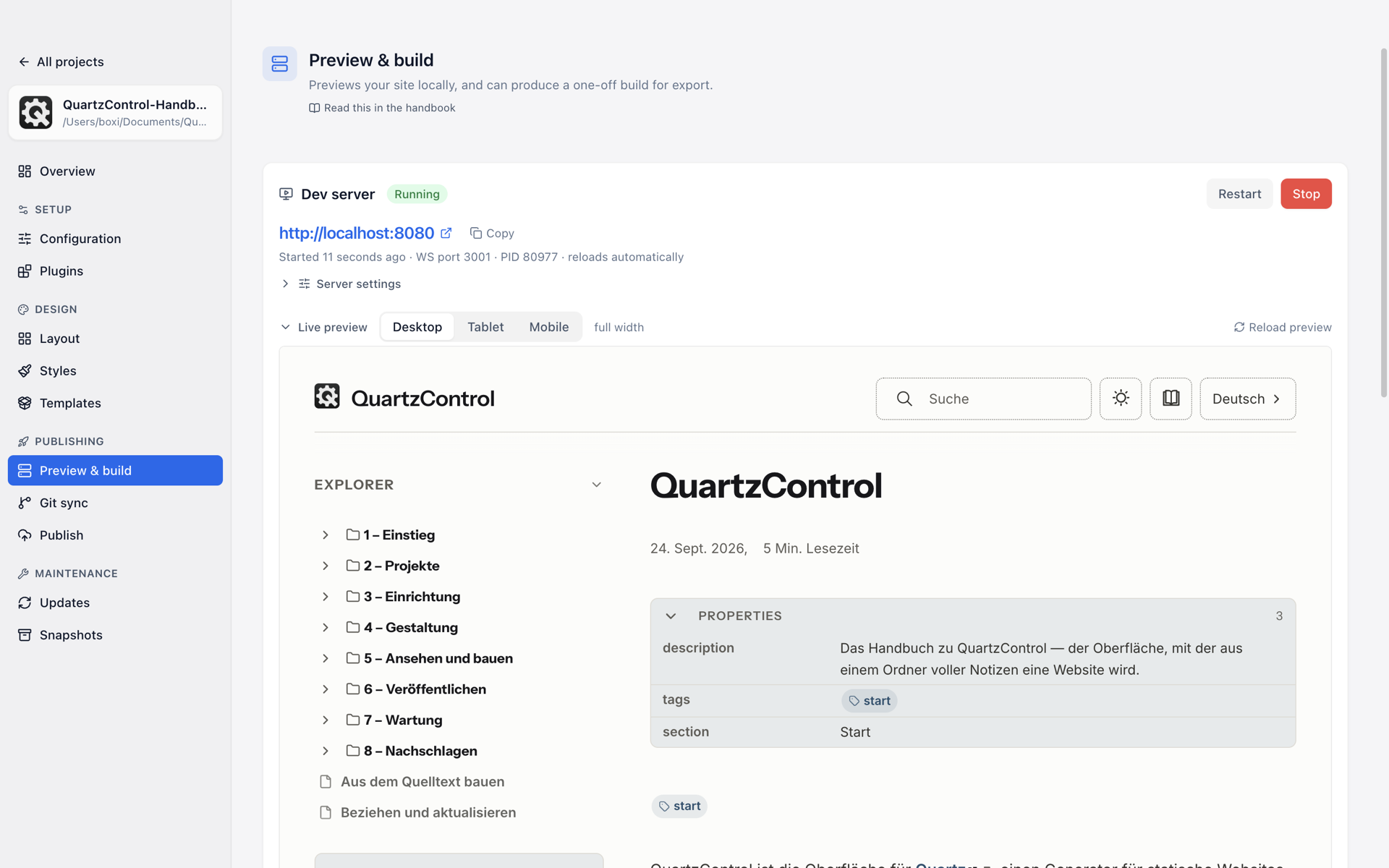
The running server with the live preview in QuartzControl — here showing this handbook.
Below it is the dev server’s output. It is not decoration: when a note contains an error or a plugin complains, that is where it says so.
A 404 page at the site's address
Then the content folder has no
index.md. The page says so above the card and leads to Create start page.
When it stops
If the server exits unexpectedly, QuartzControl says so with the exit code, and the overview reports it under Needs attention. The reason is almost always in the output above — an error in the custom CSS is the most common.
It does not belong to the window
A running server survives leaving the project, and if you want it, quitting QuartzControl — what happens then is set in the settings under On quit. The start screen shows for every project whether one is running.
That is intended: closing QuartzControl does not necessarily mean giving up the preview somebody is reading in the browser.