

A Quartz site contains text that does not come from the notes: “Search”, “Last updated”, “Graph view”, “Back”. It comes from Quartz’s language files. The Translations tab makes it editable.
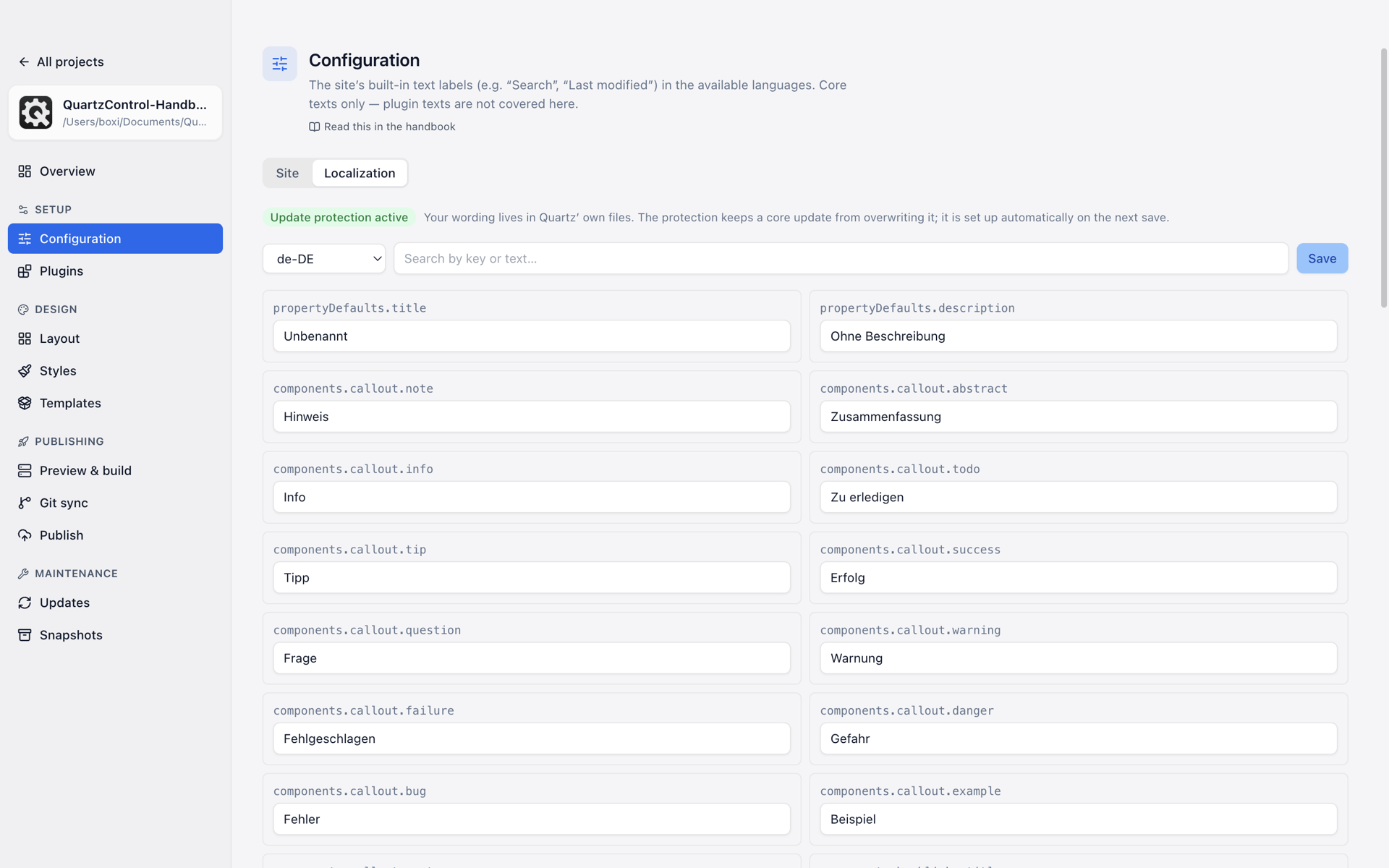
The site’s fixed wording, per language.
Which language applies is decided by the Site tab instead.
What is here
At the top a choice among the languages the project brings, with a search over keys and text beside it; below, the entries of the chosen language. Editing happens straight in the field; the top shows how many changes are still unsaved.
If QuartzControl finds no language files at all, it says so (quartz/i18n/locales missing) — then something
fundamental is wrong with this project.
Core text only. Whatever an individual plugin brings in text of its own does not appear here.
The “JS” badge
Some entries are not fixed text but building blocks filled with values at build time — “3 days ago”, “5 results”. They carry the badge JS.
They can be edited like the others, but the structure inside has to stay: remove the place where the number is inserted and you get a text without a number.
The update protection
At the top it says Update protection active or Update protection not active, and there is a real problem behind that.
Your own wording lives in Quartz’s own files. A core update fetches new versions of those files — and would take your changes with it. The protection makes sure that does not happen.
It is set up automatically on the next save; to have it beforehand, press Enable now. Anyone with wording of their own and without the protection should see to it before the next update.
What this has to do with templates
Changed wording is one of the twelve parts of a template package — so it travels along when a design is handed on. On export you can choose: All texts or Only your changes. The latter needs a baseline for comparison, and that comes about only once you have edited a text in QuartzControl; see 4.9.